

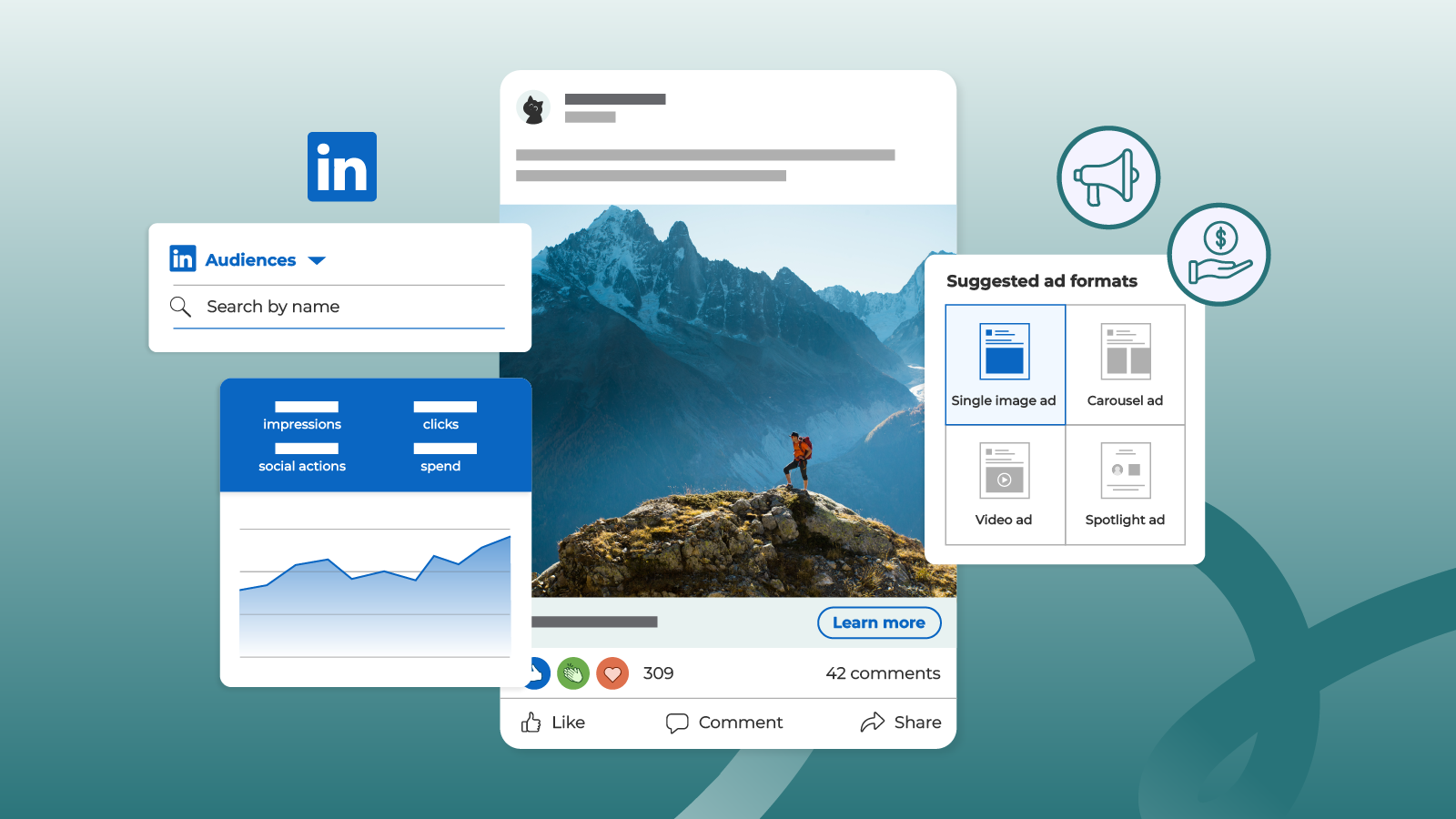
When you wish to connect with influencers, experts, professionals, and quality B2B customers, there is nothing better than using LinkedIn Ads in your marketing plan. Unlike any other site, LinkedIn lets you target users based on their job designation, sector, company size, and professional interests – making it perfect for lead generation and business growth.
This comprehensive guide will teach you how to use LinkedIn Ads successfully, even if you are a novice.
What are LinkedIn Ads?
LinkedIn Ads are advertisements that can be placed on various parts of LinkedIn such as:
Feeds
Email messages
Sidebar placement
LinkedIn Ads are particularly useful for the following purposes:
Business-to-business marketing
Lead acquisition
Professional services
Premium priced goods
Why Use LinkedIn Ads?
Before getting into how to do LinkedIn ads, here are some reasons to use them:
Accurate targeting – Target by jobs, skills, and companies, and other criteria
Professional targeting – Target business professionals
High conversion rate – Leads are usually better qualified
Detailed analytics – Simple tracking of campaigns
Step 1: Make a LinkedIn Ads Account
How?
Go to your LinkedIn account
Tap “Advertise”
Access Campaign Manager
Set up your ads account by providing billing information
With your ads account set up, you are good to go for making campaigns.
Step 2: Decide Your Campaign Goal
There are various campaign objectives at LinkedIn. Pick a goal according to your requirements:
Brand Awareness – Increase awareness
Website Visits – Generate visits
Engagement – Raise engagement
Lead Generation – Generate leads
Conversions – Close deals
Best Practice: As a beginner, you can begin with Website Visits or Lead Generation.
Step 3: Identifying the Target Audience
Targeting your audience is the most crucial component of LinkedIn Ads.
Users can be targeted according to:
Geography (India, cities, worldwide)
Job title (Manager, CEO, Founder)
Industry (IT, Finance, Healthcare)
Company size
Skills/interests
Tip: The number of people targeted should be somewhere between 50,000 and 300,000.
Step 4: Choose the Right Ad Format
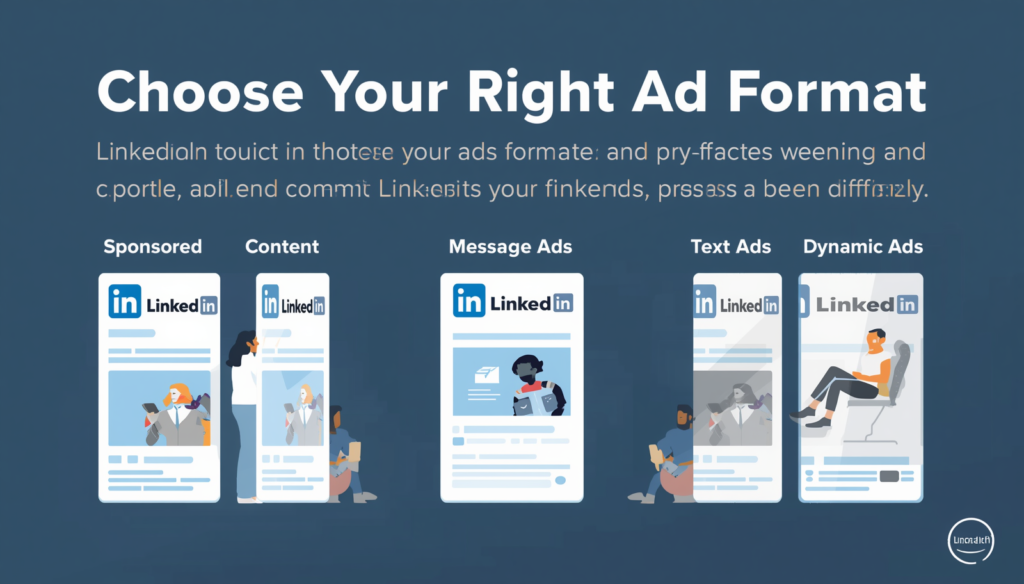
LinkedIn offers multiple ad formats. Here are the most effective ones:
📌 Sponsored Content (Recommended)
- Appears in the user’s feed
- High engagement
- Best for traffic and leads
📩 Message Ads (InMail)
- Delivered directly to inbox
- Personalized communication
- Great for offers and invitations
🎯 Text Ads
- Small ads on sidebar
- Budget-friendly
- Lower engagement
Step 5: Write High-Converting Ad Copy
The copy either makes users click or scroll through it.
Structure of a High-Performing Ad:
Hook – Captures the interest
Value Proposition – Describes benefits
CTA – Tells users what action to take
Example:
Having trouble getting leads online?
Learn a tested way of getting 20+ quality leads monthly.
👉 Schedule a free consultation today
👉 Make sure the messaging is straightforward, brief, and emphasizes benefits.
Step 6: Decide on Budget and Bidding Strategy

LinkedIn Ads are relatively costly compared to others; however, their quality is better.
Budget Guidelines:
Minimum Budget: ₹500/day
Recommended Budget: ₹1000 to ₹3000/day
Types of Bidding:
CPC (Cost Per Click) – Works well for traffic acquisition
CPM (Cost Per Thousand Impressions) – Ideal for building brand awareness
👉 CPC bidding suits beginners.
Step 7: Build a High-Converting Landing Page
It’s a massive blunder to direct users to your homepage ❌
Here’s how to create a conversion-oriented landing page:
Compelling headline
Contact form
Quick page loading
Effective CTA
Examples of CTAs:
“Get Free Audit”
“Download Guide”
“Schedule a Call”
Step 8: Start The Campaign
Once all is set:
Evaluate the campaign
Submit for approval
Start the campaign 🎉
Ads on LinkedIn typically get approved within a day.
Step 9: Monitor and Optimize Ads
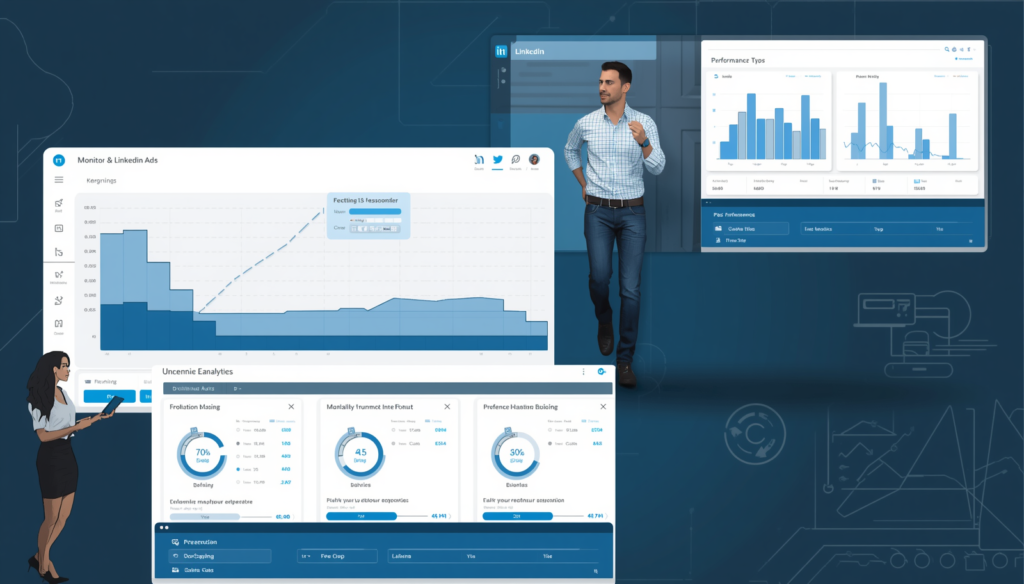
Posting ads is only half of it; you need to optimize them often.
Key Metrics You Should Monitor:
CTR (Click-Through Rate)
CPC (Cost Per Click)
Conversion rate
Number of leads
Improving Performance Through:
Headlines tests
Images changes
Targeting optimization
Landing page improvements
A/B testing should always be done.
Mistakes to Be Avoided
These are common mistakes made by novices:
❌ Too broad or too narrow audience
❌ Poor ad copy
❌ Lack of CTA
❌ Direct traffic to home page
❌ Lack of measurement
To save money and optimize returns, avoid these common mistakes.
Recommended Approach for Novice Marketers
For novices, stick to the following straightforward strategy:
Campaign Goal: Website Traffic
Target Audience: Marketing Managers in India
Type of Ad: Sponsored Content
Daily Budget: ₹1000
Destination: Landing Page
Advanced Ways to Optimize LinkedIn Ads
After learning the fundamentals, here are some advanced ways to optimize your campaigns:
Retargeting Ads – Display ads to those who have visited before
Lead Generation Forms – Generate leads via LinkedIn forms
Lookalike Audiences – Target lookalike audiences
Conversion Tracking – Track actual return on investment
Conclusion
Learning how to advertise on LinkedIn will greatly improve your chances of growing your business, especially if you market to professionals and decision-makers.
It all starts with the basics:
Determine your objectives
Identify your target audience
Craft compelling advertisements
Optimize continually
FAQs
1. Are LinkedIn Ads expensive?
Yes, they are costlier than Facebook or Google Ads, but the lead quality is higher.
2. How much budget do I need?
Start with at least ₹500–₹1000 per day.
3. Which ad format is best?
Sponsored Content works best for beginners.
4. Can beginners run LinkedIn Ads?
Absolutely! With the right strategy, anyone can start and succeed.